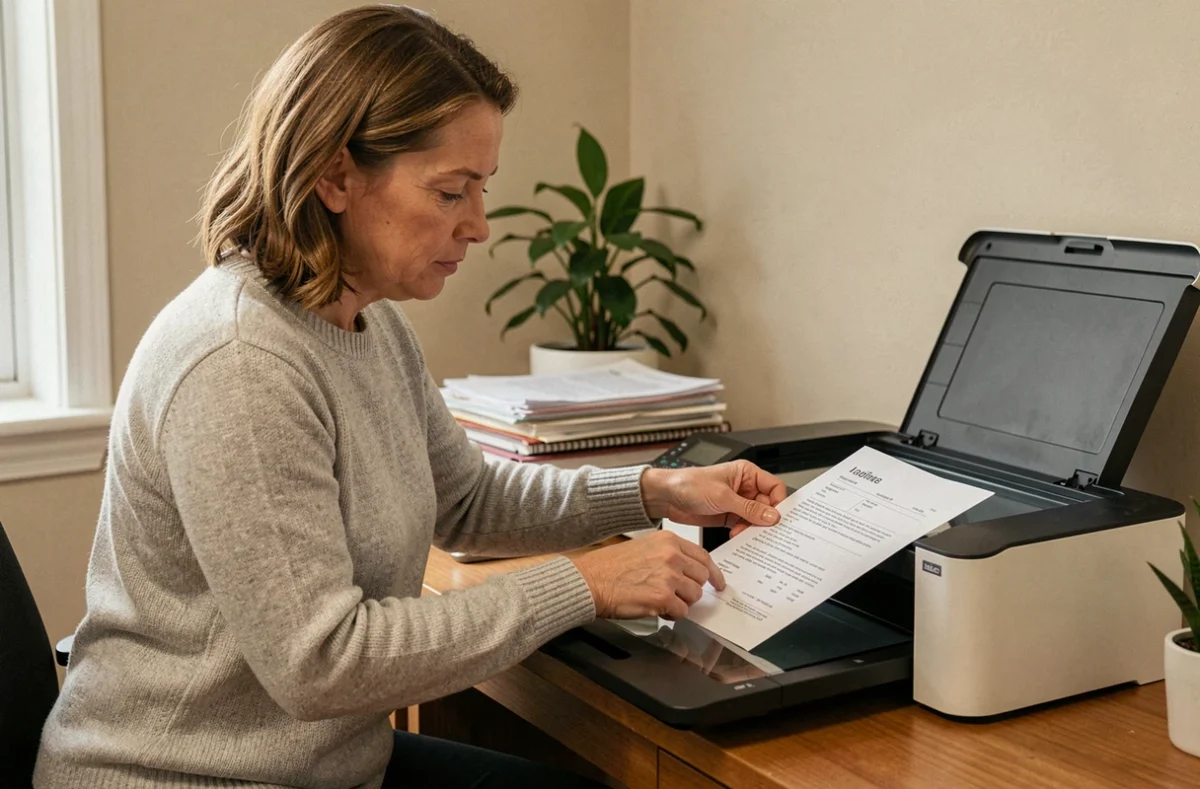
Most administrative procedures in France accept supporting documents in digital format. Vehicle registration, housing applications, enrollment files: scanning a document with a printer is still the most straightforward way to turn paper into a usable file. The process seems simple, but a few incorrect settings are enough to produce a file that an online service rejects or a caseworker cannot read.
Why an administrative scan is different from an ordinary scan
Scanning a vacation photo and scanning a bank account details statement involve different requirements. An administrative document must remain legible after compression, meet a specific format requirement and sometimes stay below a maximum file size set by the submission platform.
Public online services set their own rules. The format and maximum file size vary depending on the procedure, so you need to check the instructions before scanning. Some portals will reject a JPEG file several megabytes in size, while a PDF that has been compressed too much will make the text blurry.
Before placing a sheet on the scanner glass, you should therefore find out where the document will be sent and what specifications the organization requires. This preliminary step saves you from having to scan the document three times—a situation that is more common than you might think when preparing a vehicle registration application or exchanging a foreign driving licence.
Scanning settings for official documents
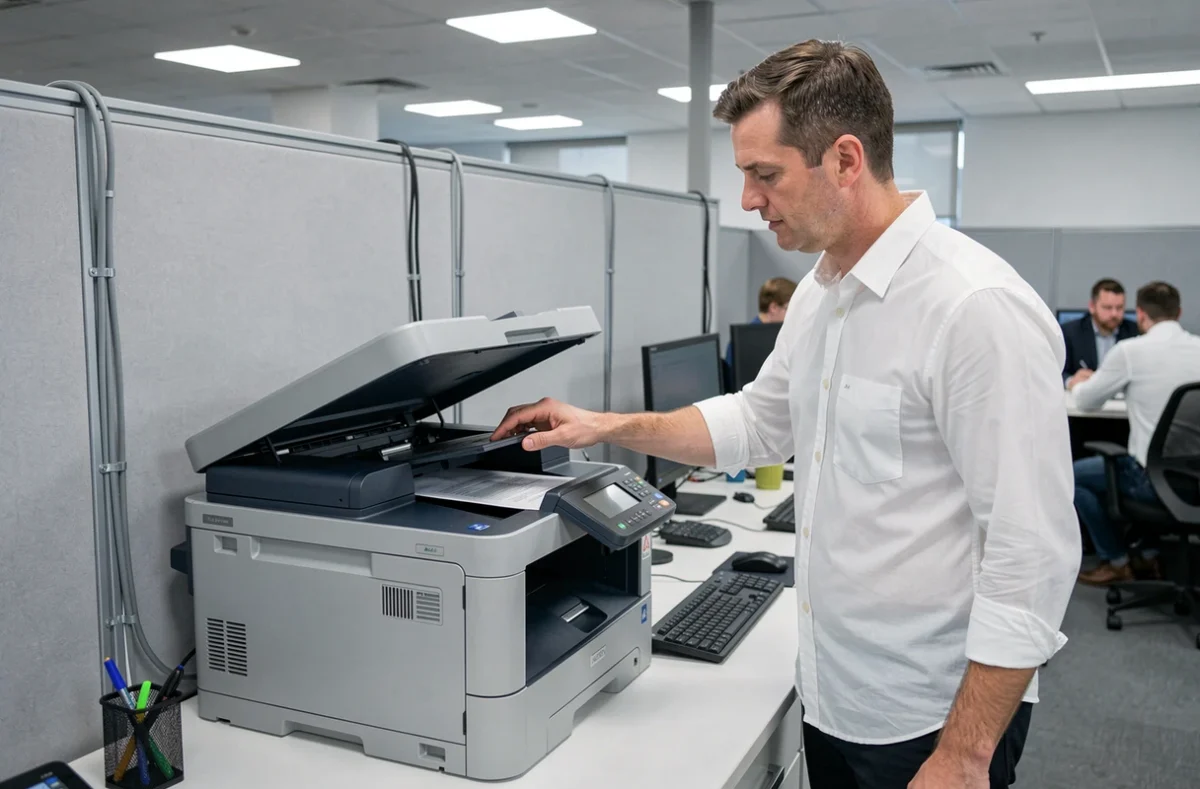
The resolution you choose determines the quality of the final file. For a text document intended for an administrative body, a resolution of 300 DPI produces a sharp, legible scan without creating an excessively large file. A setting of 150 DPI is suitable for an informal email, but may cause problems if the document contains fine print or an official stamp.
PDF or JPEG for an administrative document
PDF is still the most suitable format for text documents: it preserves the layout, can be viewed on any device and lets you combine several pages into a single file. JPEG is better suited to ID photos or supporting documents consisting of a single image.
When you need to scan a document with a printer to put together a complete application, it is best to use the same format throughout. Mixing PDFs and JPEGs in a single submission makes processing more complicated for the administration and increases the risk of a document being mistakenly flagged as missing.
Scanning in color or grayscale
Color mode is not always necessary for an administrative document. Bank statements, energy bills and tax notices are perfectly legible in grayscale, and the file is significantly smaller. Use color for documents where it conveys information, such as an ID card, driving licence or supporting document with a colored stamp.
Scanning without a printer: using a smartphone for urgent applications
Not every situation allows you to access a multifunction printer. A recent move, a broken device or a tight deadline may mean you need to find an alternative.
Built-in phone apps can help. On iPhone, the Notes app has a scanning feature that automatically detects the edges of a document. On Android, Google Drive includes a similar tool. The result is acceptable for most routine procedures, provided you take the photo in a well-lit place and against a contrasting background.
For people who need help with digital services, France Services centers and digital access points offer free assistance. A staff member can help scan and submit supporting documents directly to the relevant platform.
Legal status of a scanned document and limitations to be aware of
A scan is not an original. This distinction has practical consequences depending on how the document will be used. For a vehicle registration application or school enrollment, a digital copy is sufficient in most cases. For a notarized deed or court proceedings, a digital copy does not automatically have the same evidentiary value as the paper document.
The accuracy of the reproduction, the integrity of the file and how it is stored all matter. In practice, this means you should keep the paper original until the procedure is fully complete, even after submitting the scan.
France Identité: an alternative to photocopying an ID card
The France Identité app lets you generate a one-time digital proof of identity. This proof shares the necessary information without sending an image of the entire card, reducing the risk of identity theft.
This proof is accepted only for certain specific procedures. Before using it instead of a scan of your ID card, check whether the relevant online service offers this option. For all other procedures, a standard scan is still required.
Common mistakes that lead to an administrative scan being rejected
Some reasons for rejection come up regularly and are easy to fix:
- Part of the document is cut off because the paper was not aligned on the scanner glass, leaving an edge or corner missing and making the document invalid
- The file is too large for the submission platform, often because the resolution was set to the maximum for no reason (600 DPI for a simple bill)
- The scan is blurry because the scanner lid was not fully closed or the glass was dirty, making the text illegible after compression
- The file has an unclear name, making it harder for the caseworker to process and potentially leading to the document being flagged as missing
Giving each file a clear name (for example, “proof_of_address_2026.pdf”) takes just a few seconds and reduces back-and-forth with the administration. A clearly named file in the right format and at the right resolution is accepted the first time.
Scanning administrative documents requires neither advanced technical skills nor expensive equipment. The difference between an application being accepted and sent back often comes down to the settings chosen before scanning and checking the file before submitting it. In any case, keeping the paper original until the procedure is complete is the simplest precaution to take.